 Lex Cloak
6 guides
Review and redact
Go through what it found, turn off what should stay, and cover anything it missed.
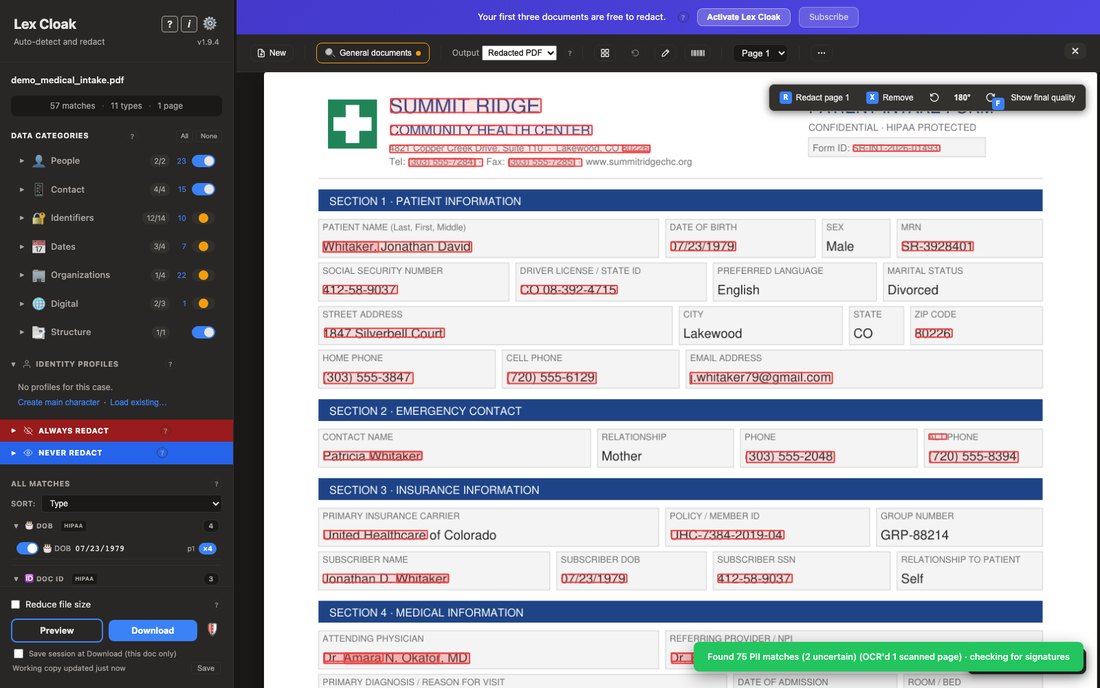
Red boxes and the review loop
How to work through the proposed redactions Lex Cloak found: red boxes, the sidebar match list, the scope-3 popup, sort, and the match-scope toggle.
Read the guide →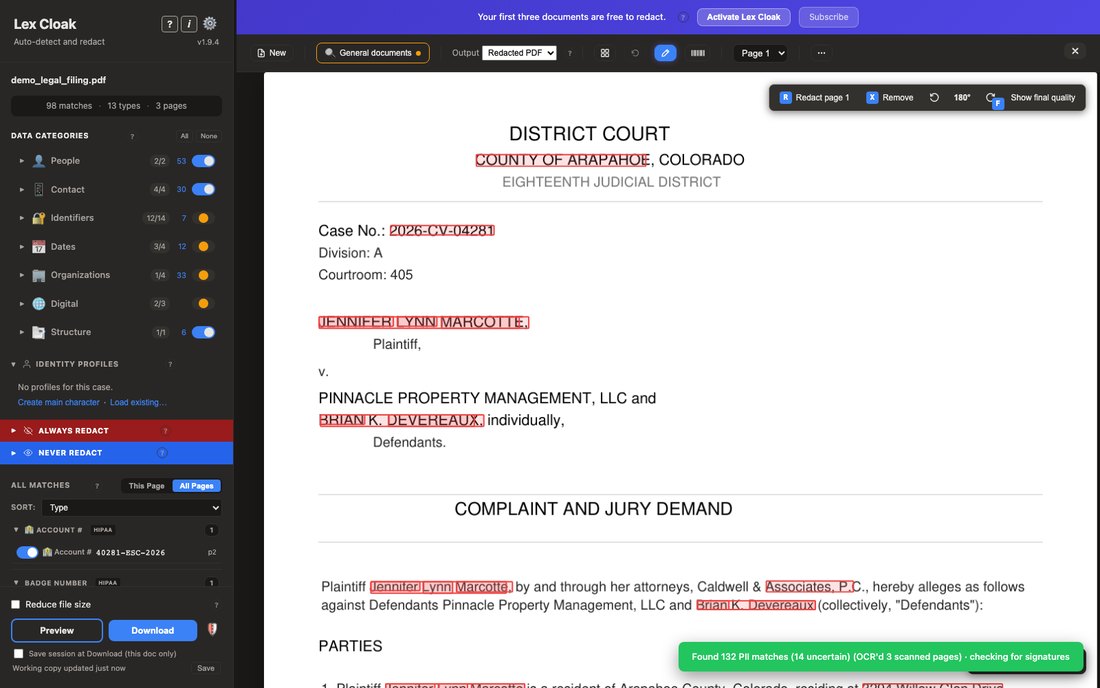
Add your own redactions
Cover anything Lex Cloak did not flag: select text, draw a box with Shift and drag (then resize, move or delete it), or redact a whole page with R.
Read the guide →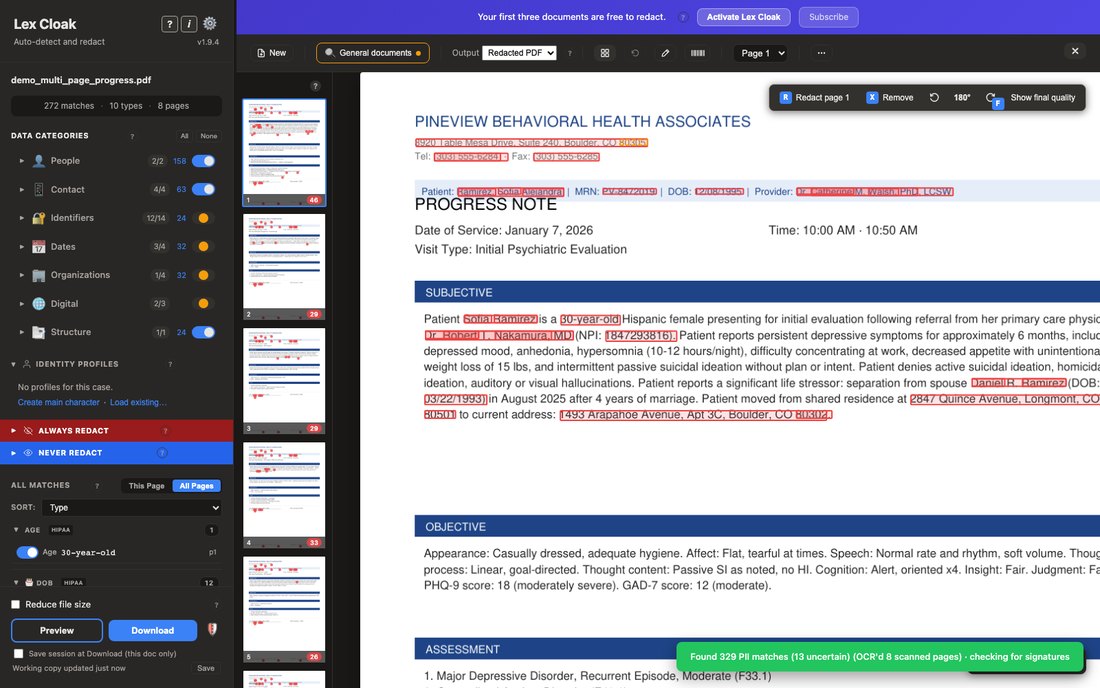
Page tools
Remove a page from the export with X, rotate a sideways or upside-down page, jump to a page, open the thumbnails panel, and the bird's-eye grid.
Read the guide →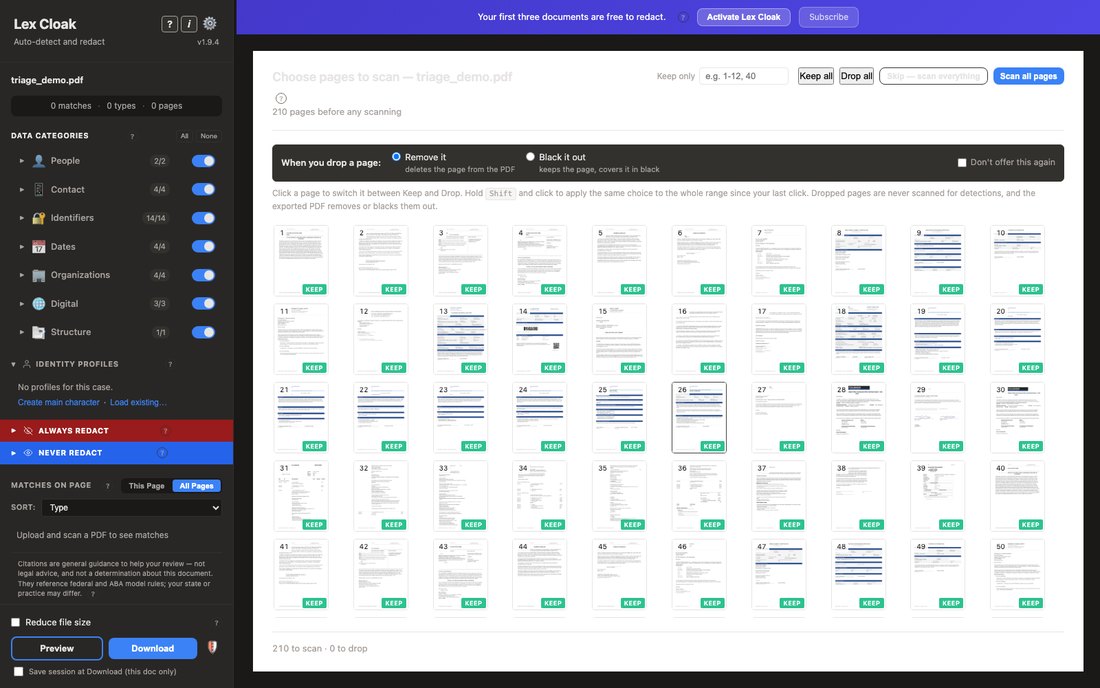
Triage for large documents
Triage opens on documents over about 50 pages and sorts pages into seven buckets so you decide what to keep and what to drop before redaction.
Read the guide →Redaction labels
Choose the label printed on each black box in a redacted PDF: REDACTED, CONFIDENTIAL, a FOIA exemption code such as (b)(6), or your own words.
Read the guide →Keyboard shortcuts
Lex Cloak keyboard shortcuts on Mac and Windows: move through pages, zoom, redact or remove a page, draw a box, undo, preview, and close popups.
Read the guide →


