Lex Cloak
How it worksFeaturesPricingBlogResourcesPressHelpSubscribeDownload Free
Help/Account and license

4 guides

Account and license

Activate your license, manage billing, and see what every setting does.
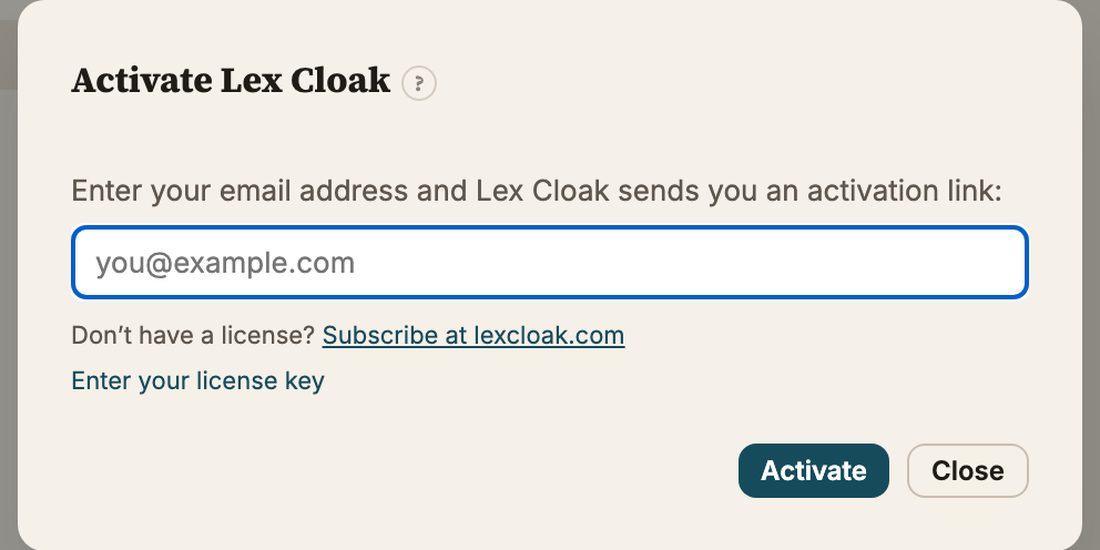
  • The Activate Lex Cloak box with a field for your email address and an Activate button.

    Activate your license

    Email-first activation with a one-time code. Includes the I-did-not-receive-my-code troubleshooting checklist.

    Read the guide →
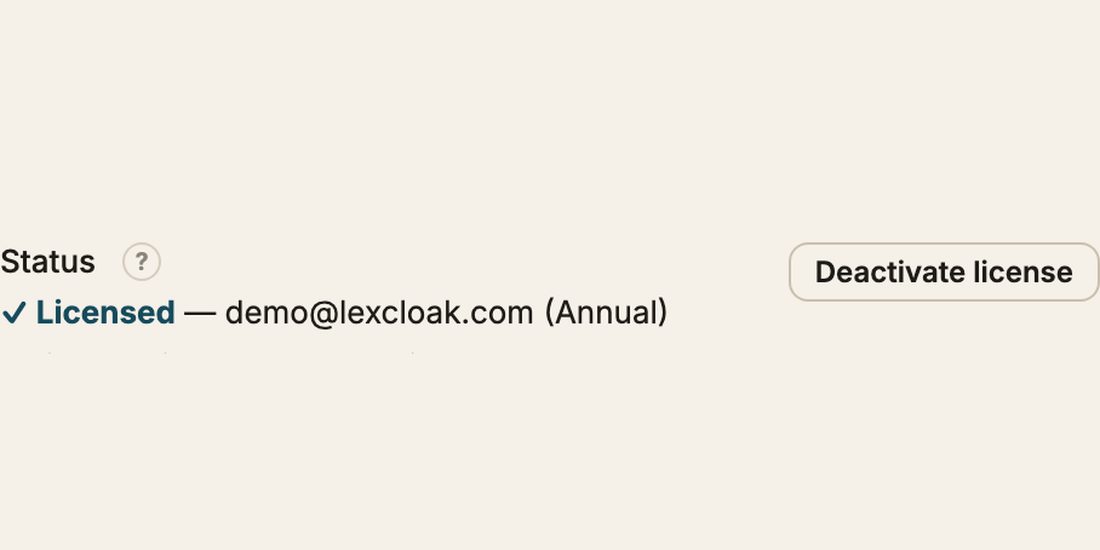
  • The Account status in Settings: Licensed, the email it is activated with, the Annual plan, and a Deactivate license button.

    Billing and subscription

    Lex Cloak plans, your first three documents free, how to cancel or update your card in Paddle, refunds, fixing a past-due payment, and devices.

    Read the guide →
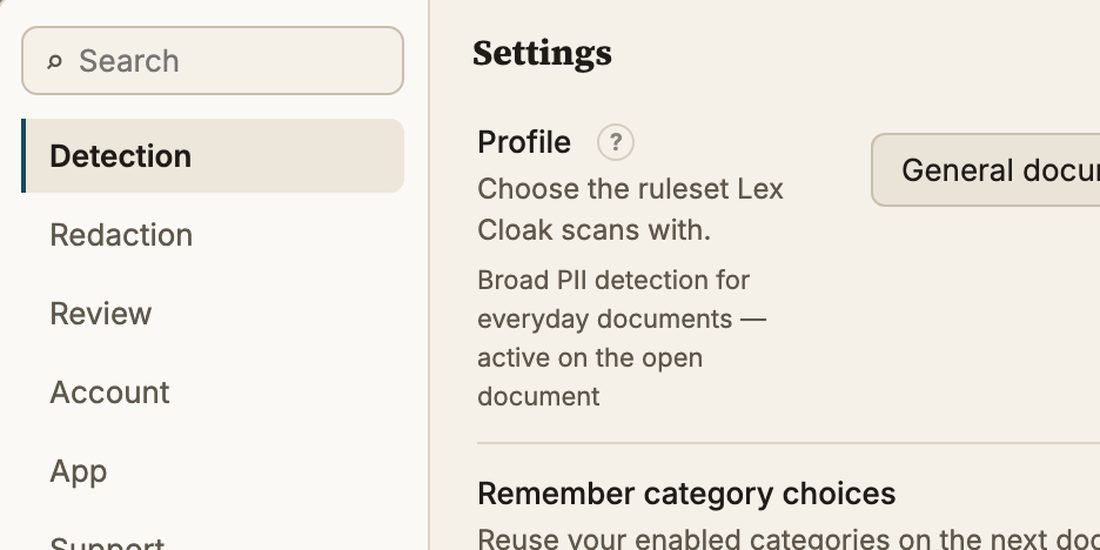
  • The Settings window with its tabs down the left: Detection, Redaction, Review, Account, App and Support.

    Settings reference

    What each Lex Cloak setting does, tab by tab: detection, redaction label, review, account, app and support, and what Reset defaults leaves alone.

    Read the guide →
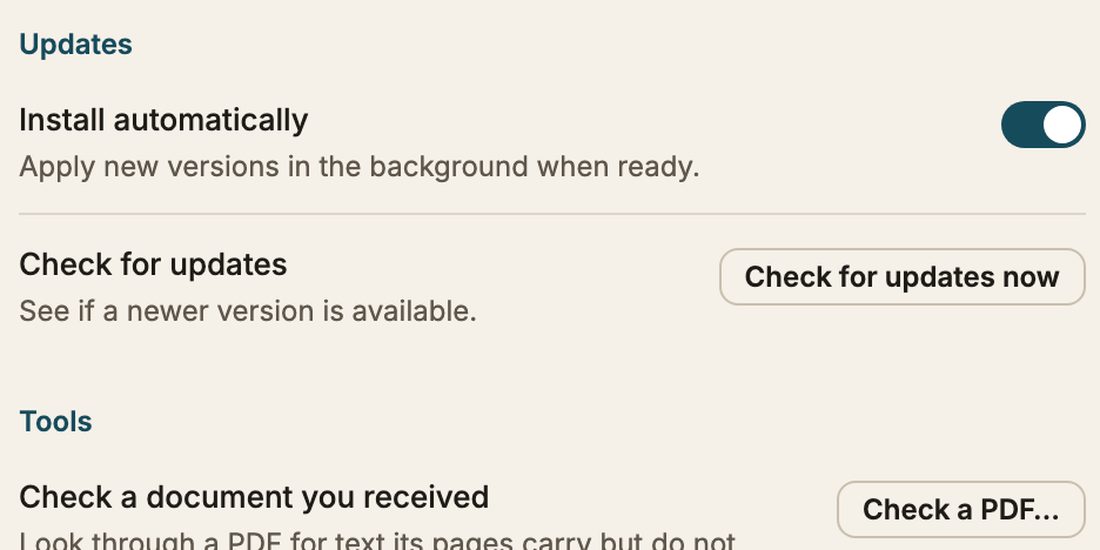
  • The Updates part of Settings: Install automatically, and a Check for updates now button.

    Upgrading from v2

    Saved sessions from Lex Cloak v1.8 and earlier were removed in the upgrade, because the way sessions are stored changed. Your documents are safe.

    Read the guide →
← All help topics
Lex Cloak

Local PDF redaction. Your documents stay on your computer.

HelpHow it worksVideosCompare toolsOffline redactionFeaturesHelp centerFAQ
CompanyBlogResourcesPressPrivacy PolicyTerms of ServiceRefund PolicyContactTrustpilot
© 2026 Monty Home LLC. All rights reserved.Lex Cloak is operated by Monty Home LLC, a Colorado limited liability company.