 Lex Cloak
6 guides
Finding what's sensitive
How Lex Cloak spots names, numbers, codes and signatures, and how to point it at the people you already know about.
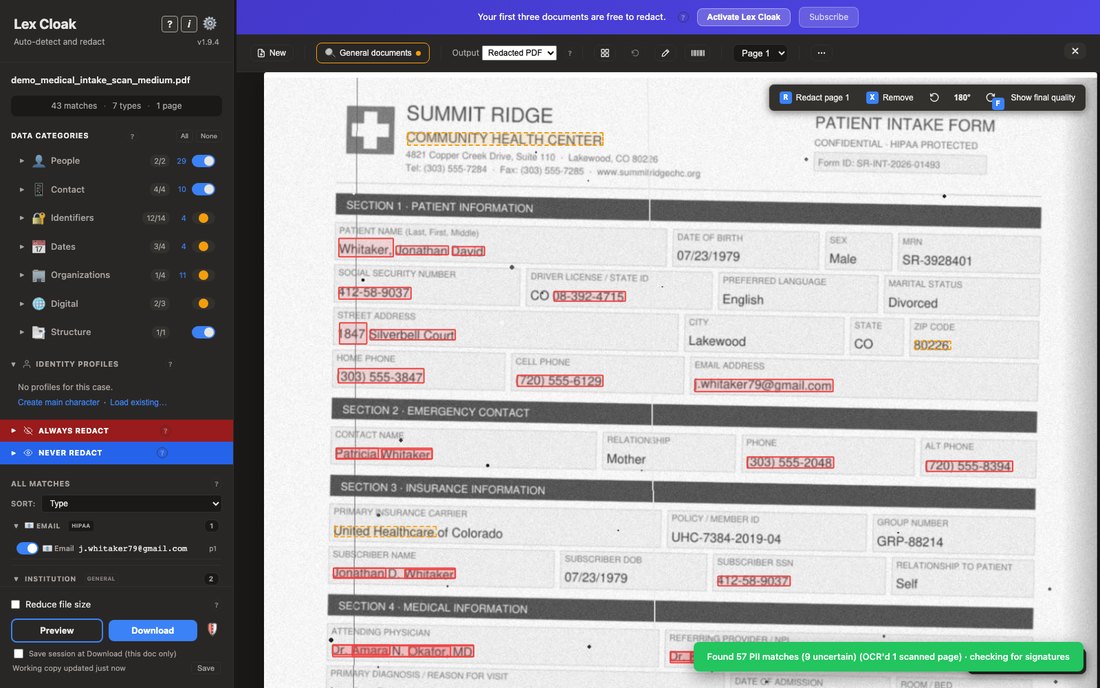
How detection works
Lex Cloak runs detection on your computer, surfaces matches as red and amber boxes, and gives you category and confidence controls for review.
Read the guide →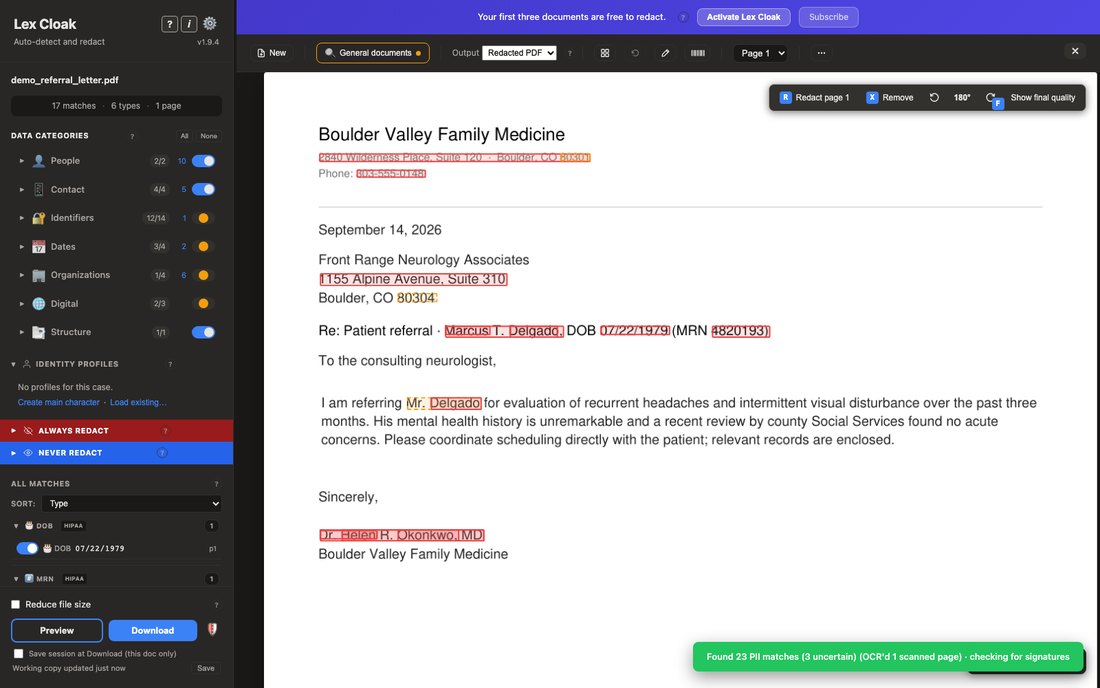
Identity profiles
Name the person you already know about, and Lex Cloak looks for the forms their details realistically appear in. Detection keeps looking for everyone else.
Read the guide →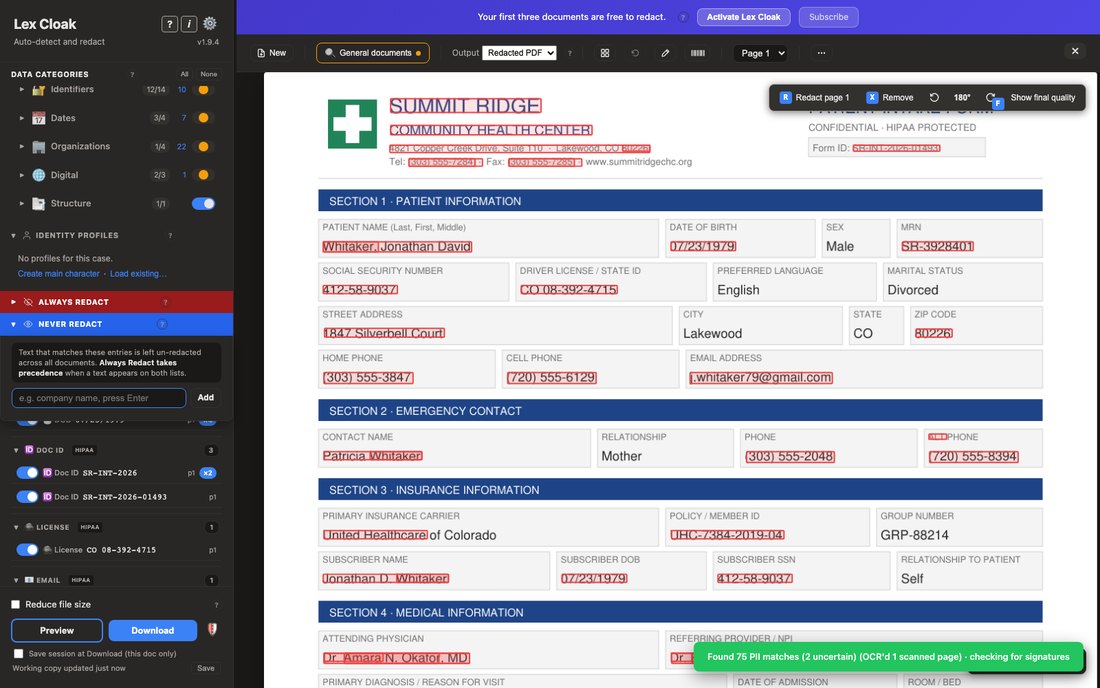
Always Redact and Never Redact lists
How the device-local Always Redact and Never Redact lists work, the Always-beats-Never precedence rule, and where the lists live.
Read the guide →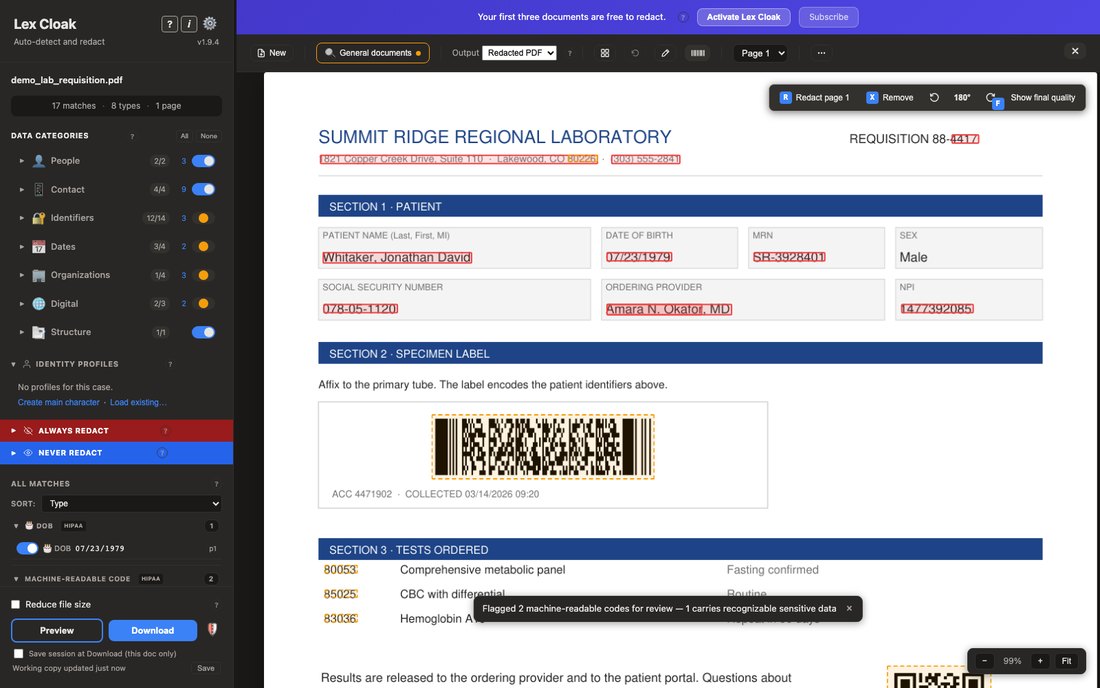
Barcodes and QR codes
Lex Cloak reads barcodes and QR codes on your computer and flags them for review. Codes it cannot read are sorted by kind, so license barcodes redact.
Read the guide →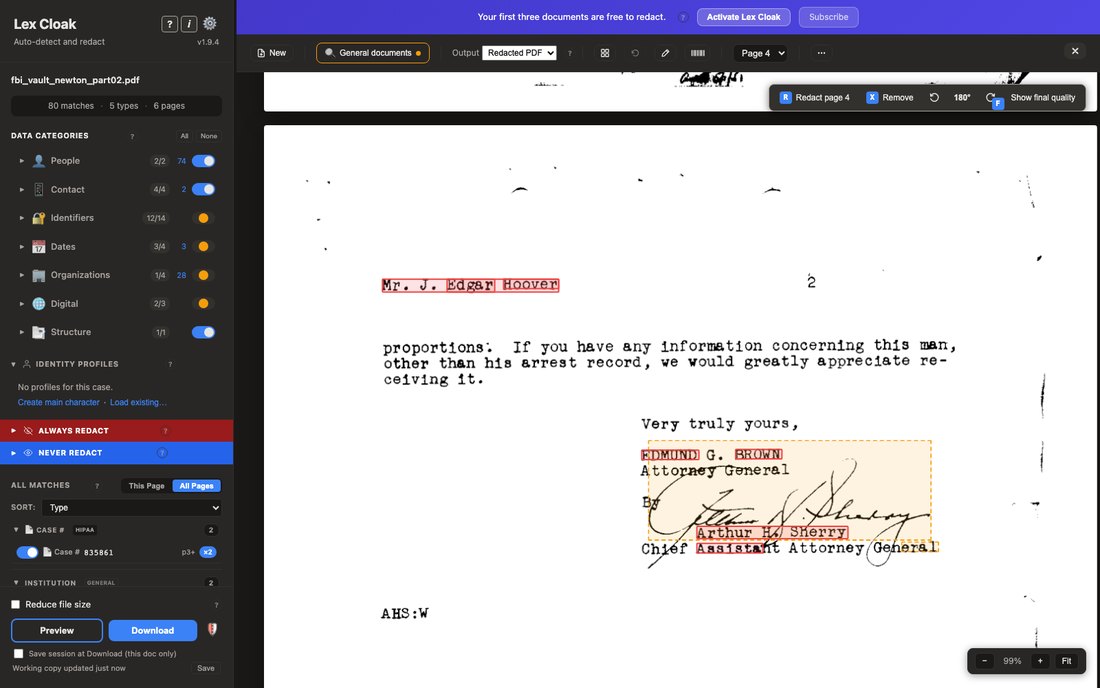
Signatures and handwriting
How Lex Cloak auto-detects signatures after each document scan, how to re-run the scan, and what the pre-download checklist warns about.
Read the guide →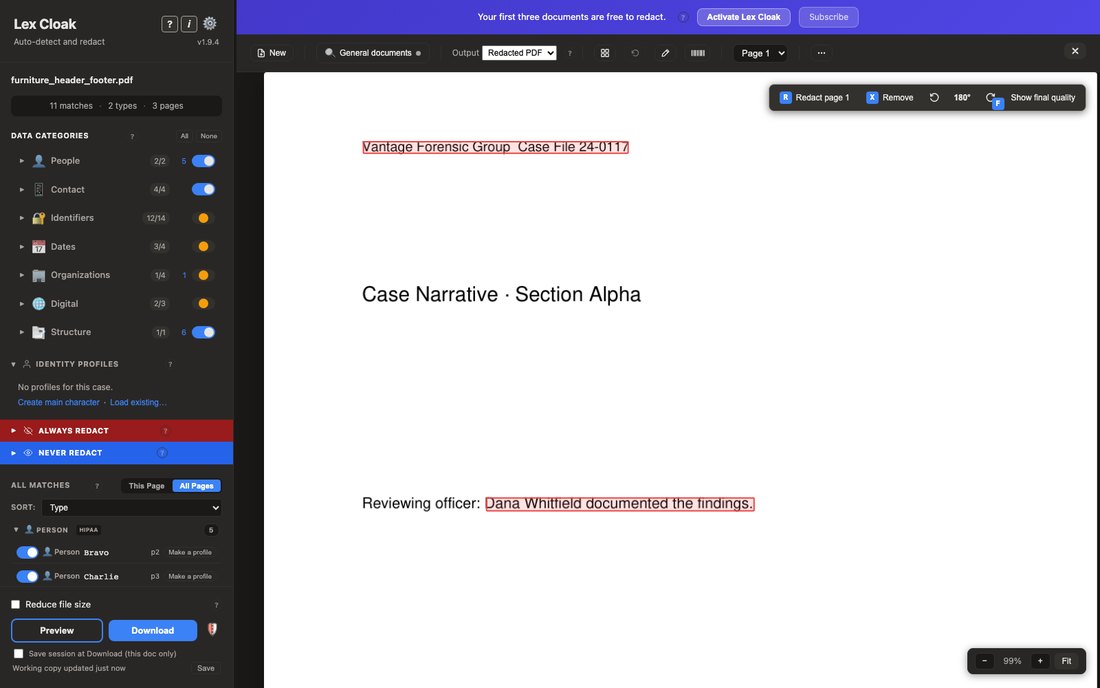
Headers, footers and page numbers
The repeating header and footer category finds content that repeats across pages and redacts it as a band. Page numbers are kept. How to turn it off.
Read the guide →


