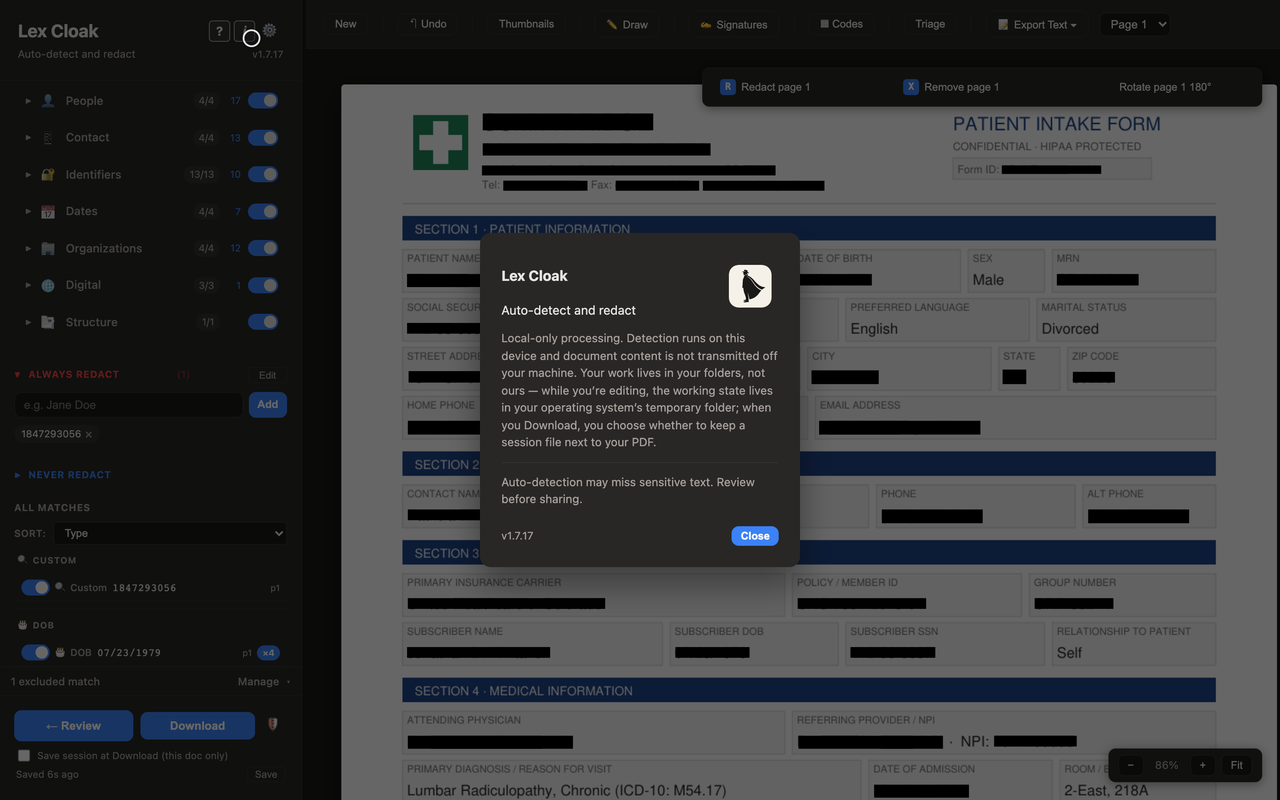
Run the Privacy Check
Privacy Check is built into the app so you can confirm the local-first promise for yourself. With a document open, click the shield button at the bottom of the sidebar. The check reports that Lex Cloak is running locally and that your documents are not leaving your computer.
Lex Cloak does connect to the internet for a few routine tasks, such as checking for updates and confirming an active subscription. Nothing about your documents is sent. Choose Show technical details in the Privacy Check to see what each of those connections sends, including the short notes sent during the free trial.
If you ever contact support, you can copy the Privacy Check output and include it in your message. The output describes the app and your environment only. Nothing about the document you are working on is part of it, so it is safe to share.
Privacy and accuracy are two halves of trust
Running locally answers where your document goes. The other half of the question is how well the redaction holds up, which comes down to how detection finds and scores sensitive text and how you review it before saving. No tool catches everything on its own, so Lex Cloak is built around a review step where you have the final say.
For the accuracy side of the story, see how detection works. For the broader privacy commitments, the privacy policy has the detail.
Keep your documents on your machine
Scanning is free, and so are your first three redacted documents. Try Lex Cloak on real work without it leaving your computer.
 Lex Cloak