Lex Cloak
How it worksFeaturesBlogResourcesPressHelpDownload Free
Help/Export and save

3 guides

Export and save

Preview the result, save your redacted copy, and pick up unfinished work later.
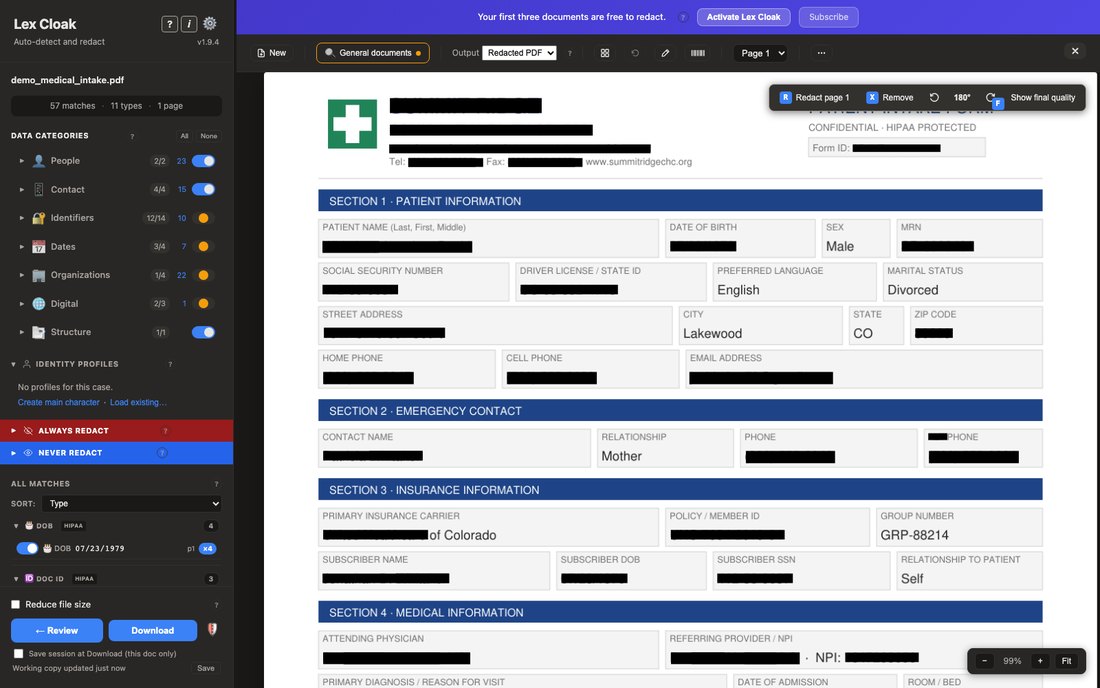
  • The same intake form in preview, with solid black boxes where the red outlines were, showing what the exported file will look like.

    Preview, checklist and download

    How to preview the final black-box output before you save, what the pre-download checklist warnings mean, and how the Save dialog works.

    Read the guide →
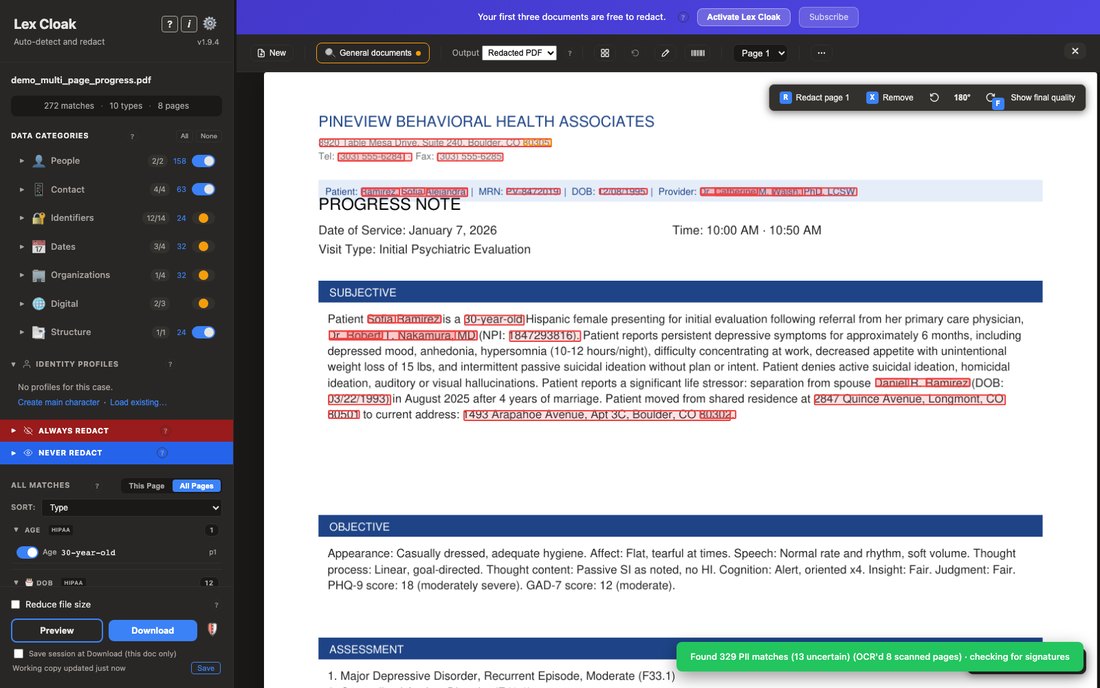
  • A multi-page clinical note with the session saved, so the same review can be picked up later.

    Working sessions

    Lex Cloak saves your work in a small file next to the original as you go, and deletes it when you download the redacted copy. How it works.

    Read the guide →
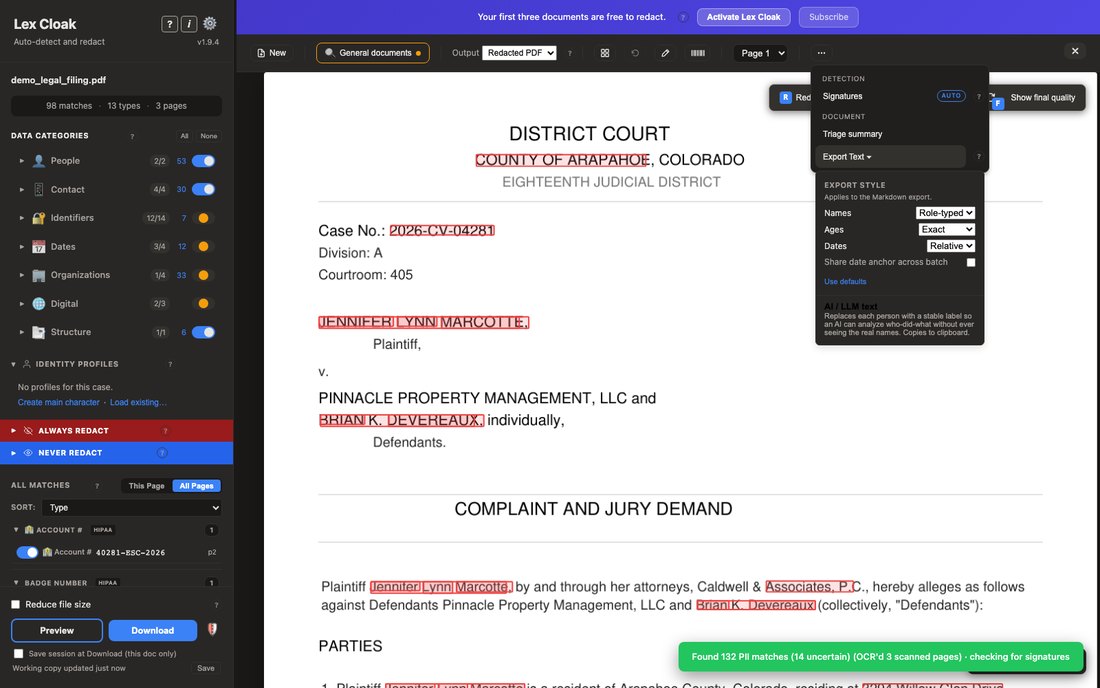
  • A court filing with the Export Text menu open, offering the document's wording with the personal details taken out.

    Export text for AI tools

    Export Text strips sensitive parts from a document before you upload to AI tools. Choose AI / LLM text output, label people by role, and set export styles.

    Read the guide →
← All help topics
Lex Cloak

Local PDF redaction. Your documents stay on your computer.

HelpHow it worksCompare toolsOffline redactionFeaturesHelp centerFAQ
CompanyBlogResourcesPressPrivacy PolicyTerms of ServiceRefund PolicyContactTrustpilot
© 2026 Monty Home LLC. All rights reserved.Lex Cloak is operated by Monty Home LLC, a Colorado limited liability company.